 Of The World Guide
How to play Of The World
Of The World is a Game Boy Color game made in GB Studio. It is free (pay what you want) on Temmie's itch.io page, playable in the browser or as a .gbc file in any Game Boy Color emulator.
Browser controls
| Game Boy button | Keyboard | What it does |
|---|---|---|
| D-pad | Arrow keys or WASD | Move (diagonals work) |
| A | Z, J or Alt | Talk, interact, confirm |
| B | X, K or Ctrl | Attack (you can also hit objects and people) |
| Start | Enter | Start |
| Select | Shift | Select |
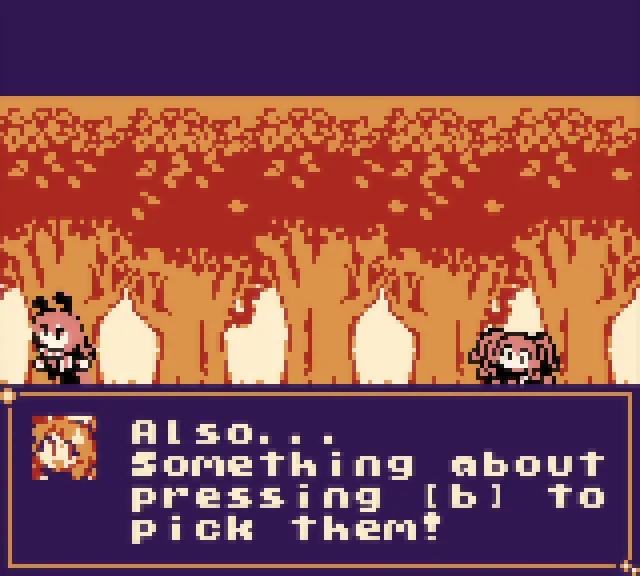
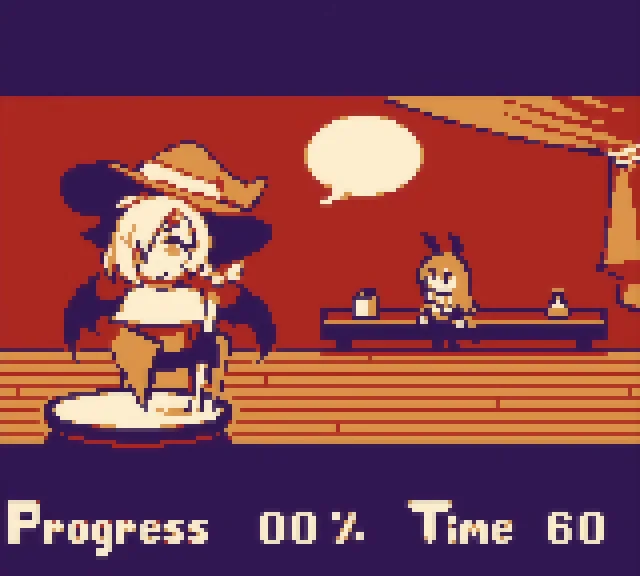
Two minigames describe their buttons wrongly. In Claire's potion game you hand over an ingredient with a (Z), not b. In Aimottle's garden a (Z) picks vegetables up and holding b (X) runs.
Items
| Item | What it does |
|---|---|
 Spear | Melee attack with limited movement |
 Power | Strong projectile attack |
 Swim | Swim and dive. You cannot attack while swimming, and diving does not protect you from enemies. The water areas switch the screen to blue. |
| None | Unable to attack |
Saving and healing
Interact with a journal to save: the game shows a SAVE / EXIT menu, pick SAVE with Z and close it with X. There is one save slot, and every journal writes to it. Sleeping in your bed restores your hearts, and so do apples. Journals do not heal.

Why browser saves disappear
- The browser version stores its one save inside your browser, under itch.io's game player. Private windows, clearing site data or switching browsers lose it.
- Temmie warns on the game page that a re-upload of the game can wipe browser saves.
- The player keeps the save under the same generic name other GB Studio browser games use, so playing another GB Studio game on itch in the same browser can overwrite it.
- End C deliberately ruins the save it happens on.
If you care about your file, download the .gbc and play it in an emulator: you keep a real save file and can make save states.
Playing the .gbc
Download of-the-world.gbc from the itch page and open it in a Game Boy Color emulator. Players on the forum use mGBA, SameBoy and VisualBoyAdvance-M on PC; Steam Deck needs an emulator too, since Proton cannot open a .gbc. The itch.io desktop app can also launch the browser version.
The game contains some flashing lights and colours.